
TL:DR Checklist
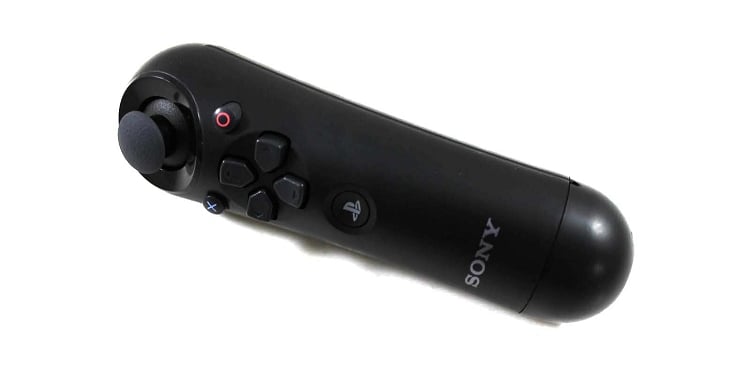
Arduino + Controller Setup
- Install the Arduino IDE (if not already installed)
- Download the SHADOW Arduino sketch and libraries ( link )
- Extract the folder
- Install libraries from the Shadow folder to the Arduino Libraries folder
- For Windows, this will be under
Documents / Arduino / librariesby default - Copy these folders
- MP3Trigger ( Sparkfun MP3 Trigger board )
- serMP3 ( MdFly MP3 board )
- USB_Host_Shield
- For Windows, this will be under
- Open the sketch in the IDE (
Shadow / Shadow.ino) - Set up the USB Shield ( see here )
- Connect your USB Shield and Arduino
- Connect your Arduino to your computer using a USB-A to USB-B cable
- Upload the sketch using the Arduino IDE
- Click on "Verify"
- Click on "Upload"
- Connect to the Arduino using the Serial Monitor
- Tools -> Serial Monitor
- Select 115200 Baud
- Check the output
- Unplug the Arduino
- Plug in the Bluetooth USB adapter
verifyPlug-the Arduino back into the Computer
- Get the Bluetooth MAC address for the controller form the Monitor